UI Screens — Low Fidelity Mobile
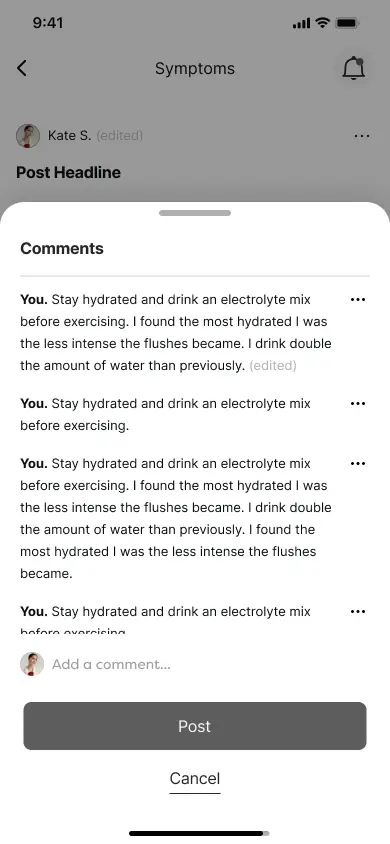

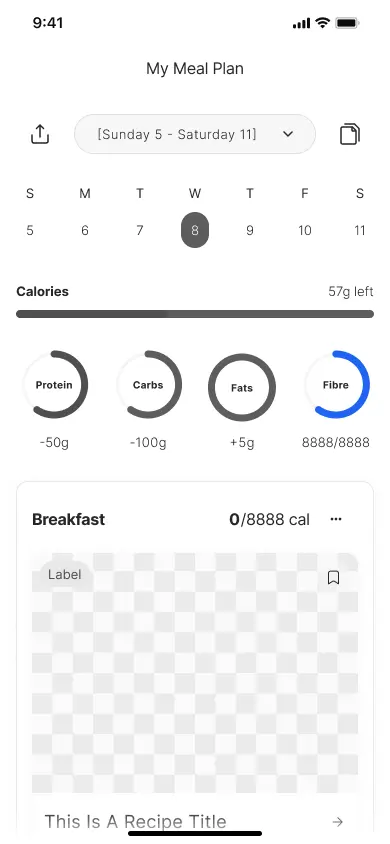
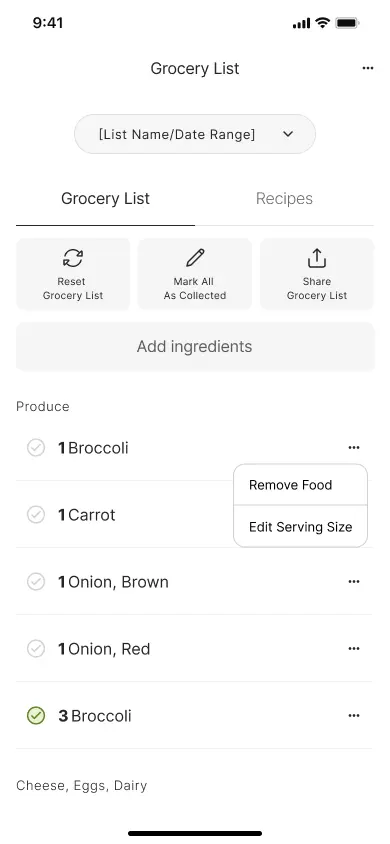
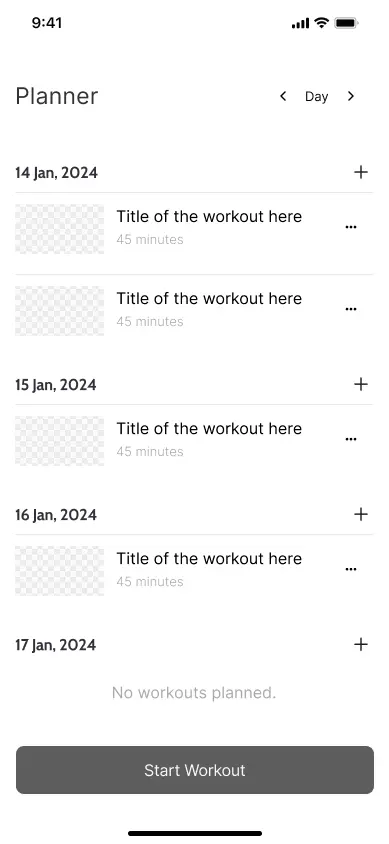
QuickLaunch · Platform · Digital Content Marketplace
QuickLaunch is an internal platform built to solve a reoccurring founder-led software problem. Every new engagement was generating unsustainable levels of custom work — same product type, same features, but rebuilt from scratch each time.
Design a modular, reusable platform that lets fitness and wellbeing founders launch feature-rich mobile apps and admin platforms in a fraction of the usual time and cost — reducing engineering effort by ~80% across every engagement, while maintaining a product standard users expect at launch.
The system had to be flexible enough to serve different client needs without becoming a bloated framework that still required significant custom work per engagement.
Validated founder ideas couldn't compete with market feature-rich platforms that require significant engineering investment to match, restricting ROI from day one.
Building the same platform from scratch with every engagement was consuming engineering pipeline, compressing margin, and preventing the team from excelling beyond delivery.
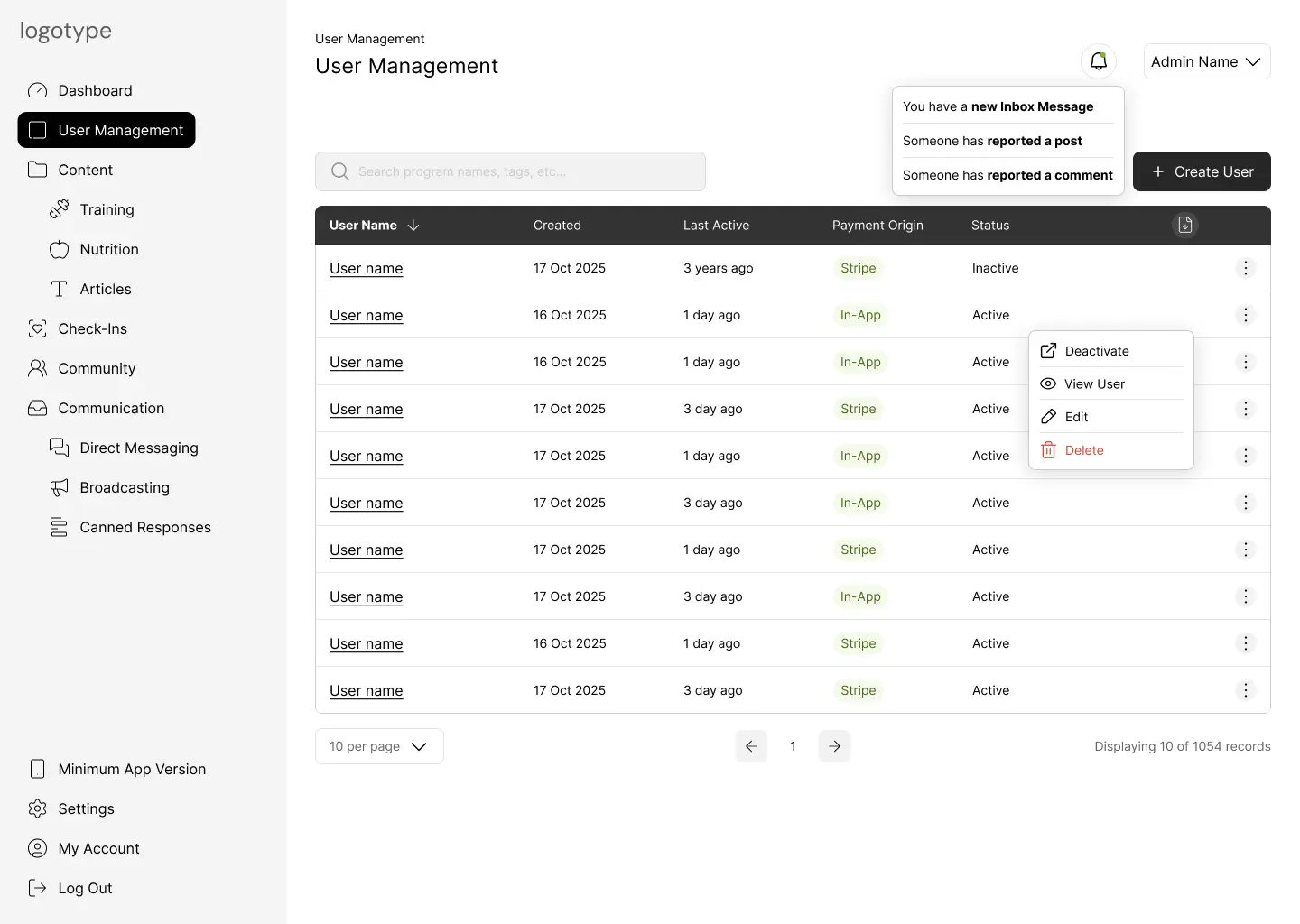
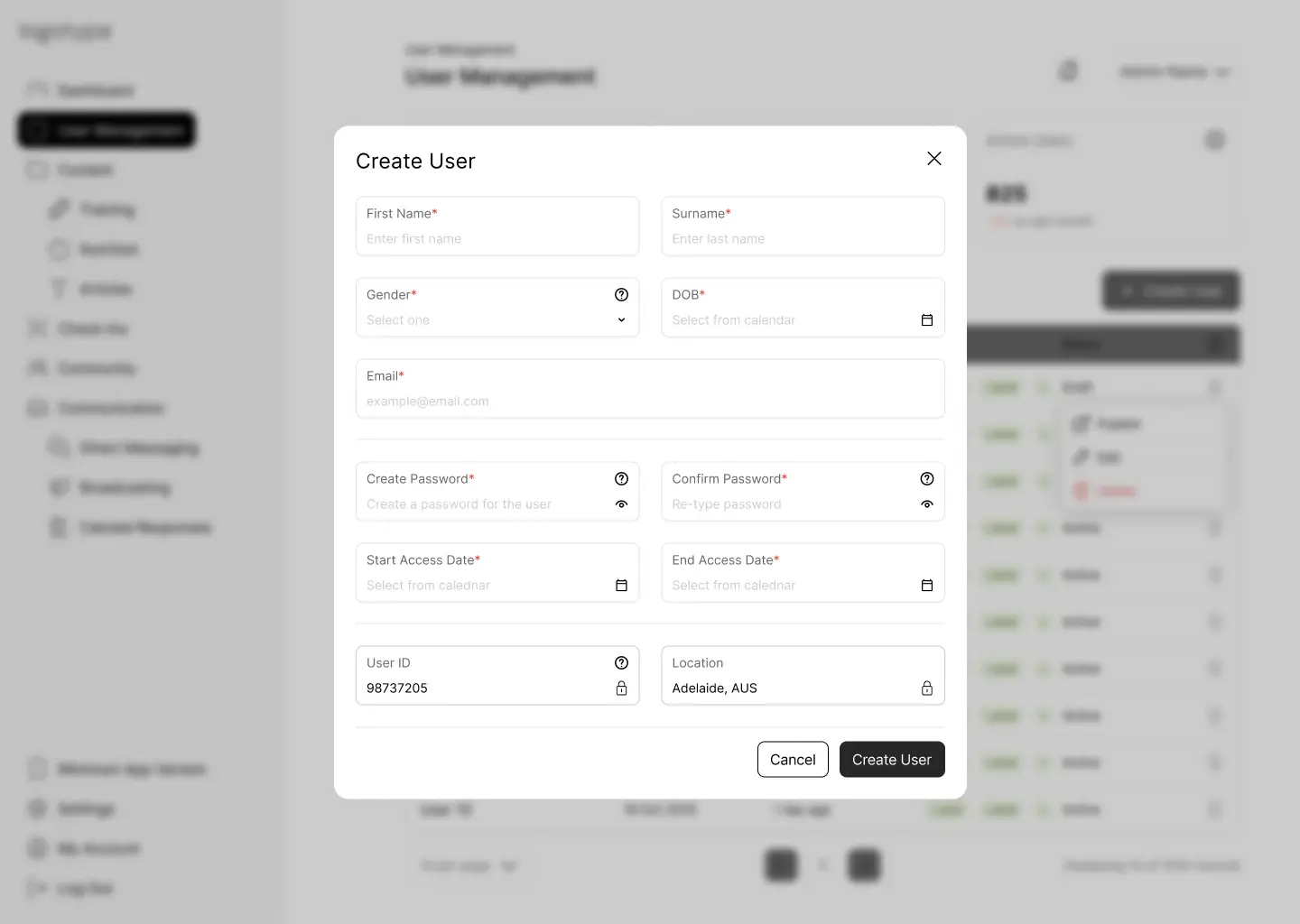
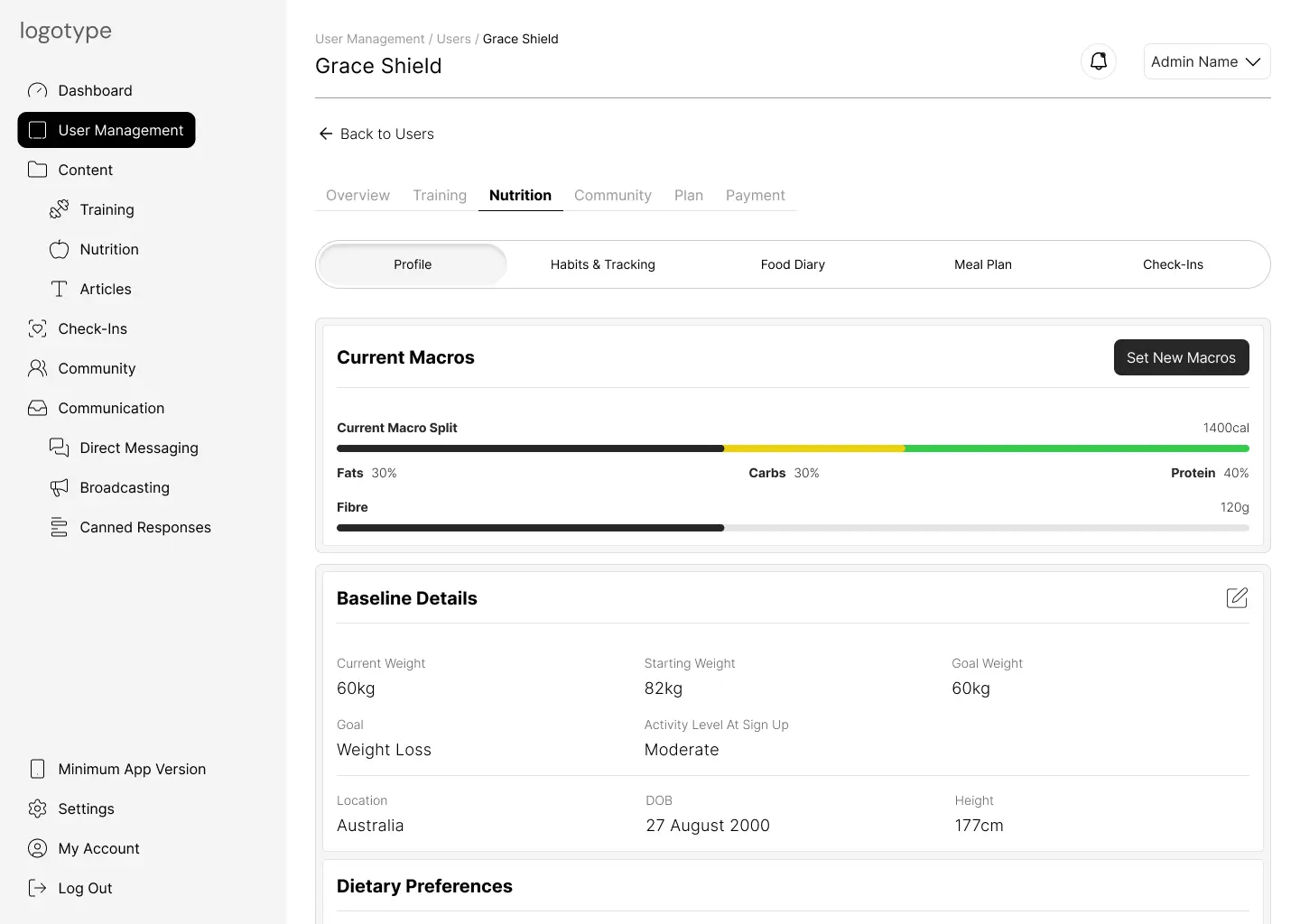
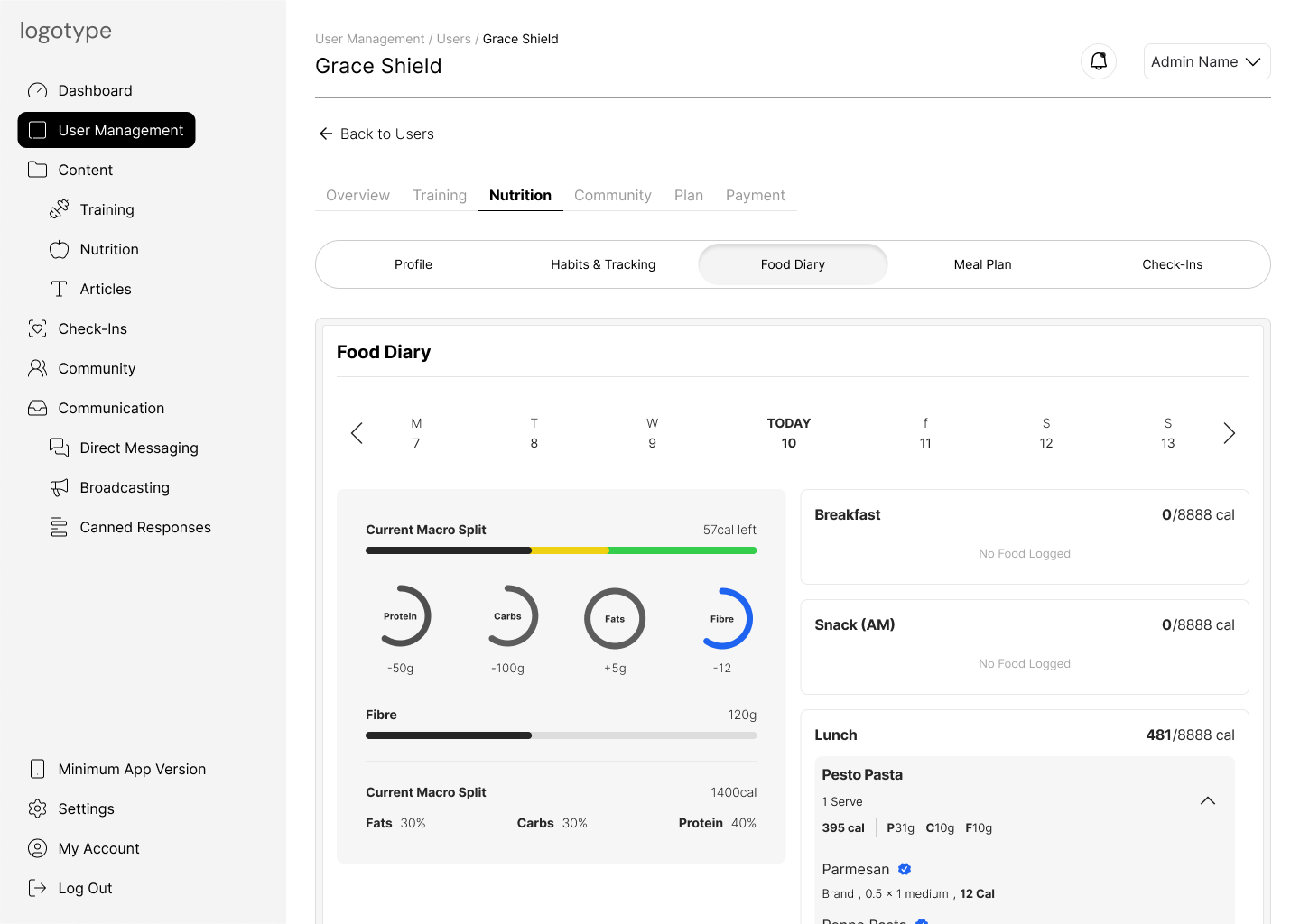

.webp)
 - tasks - check in due.webp)

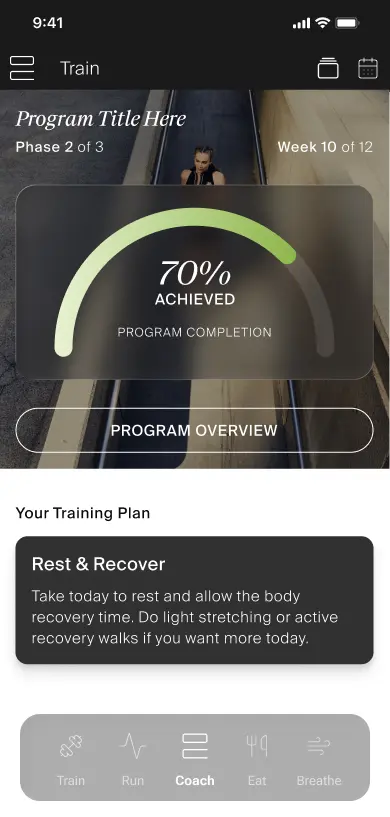
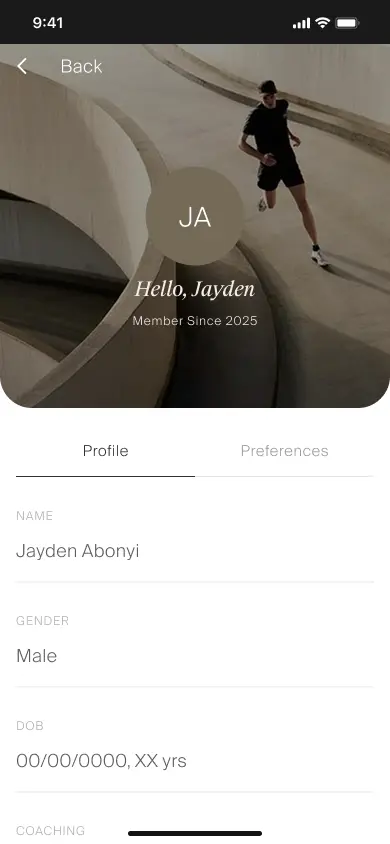
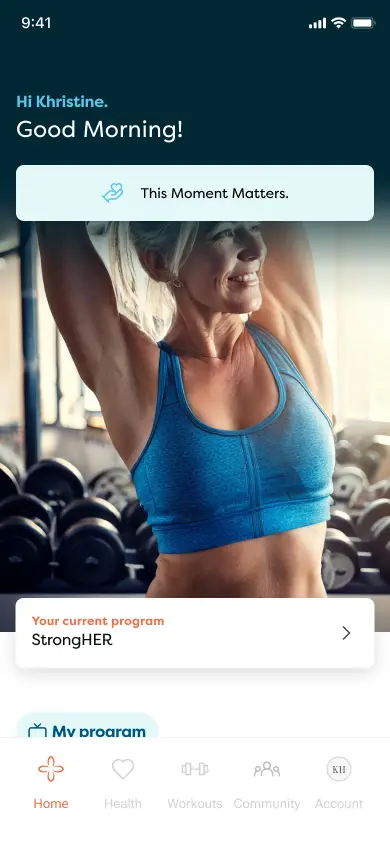

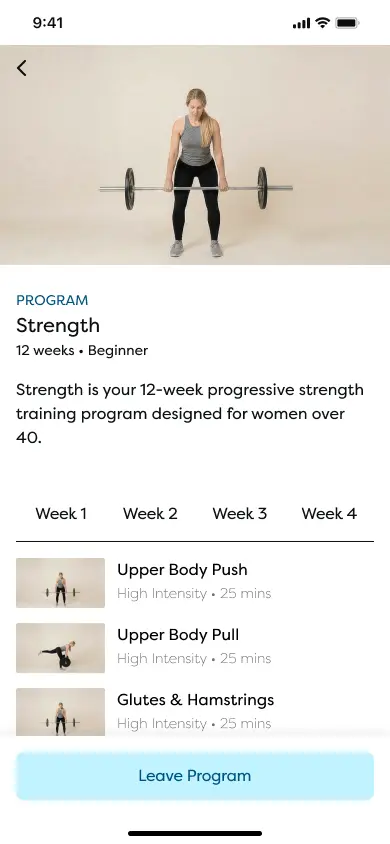
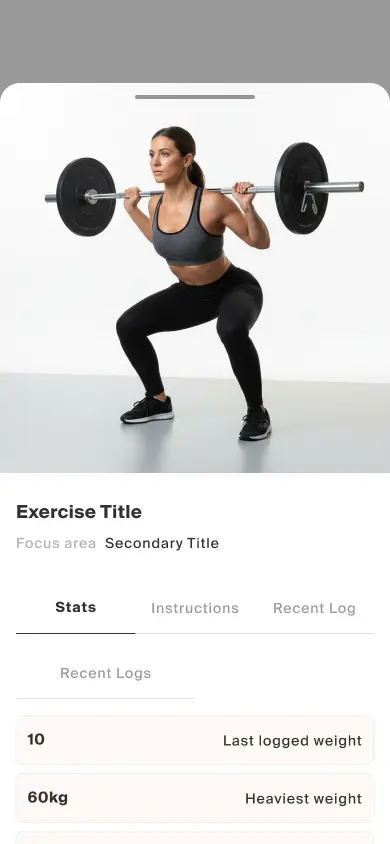
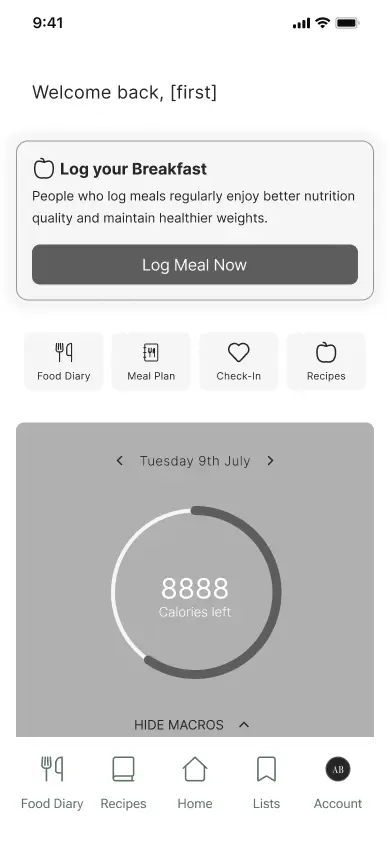
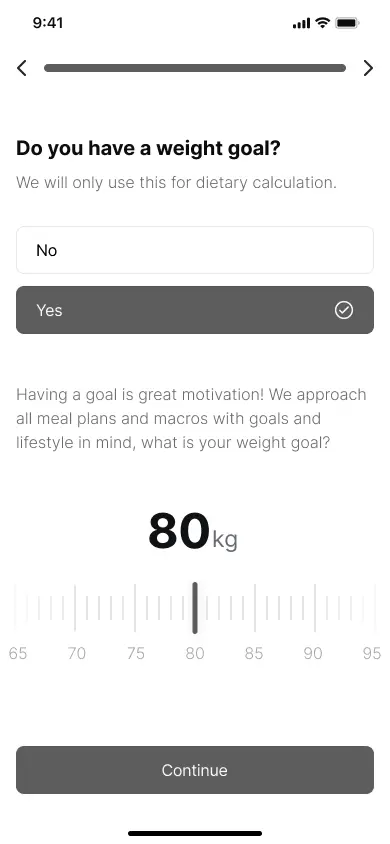
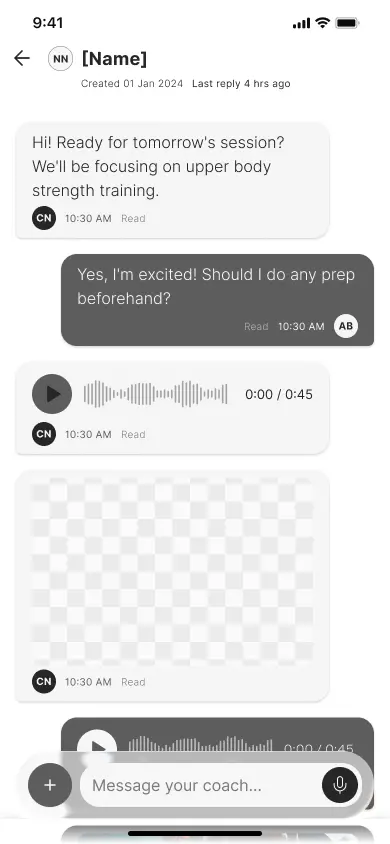
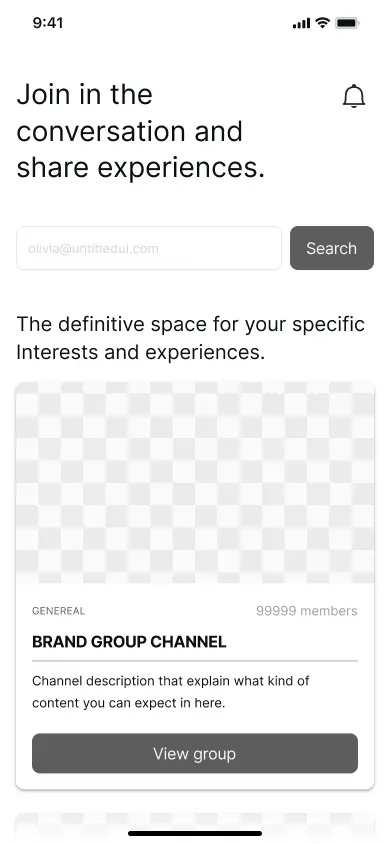
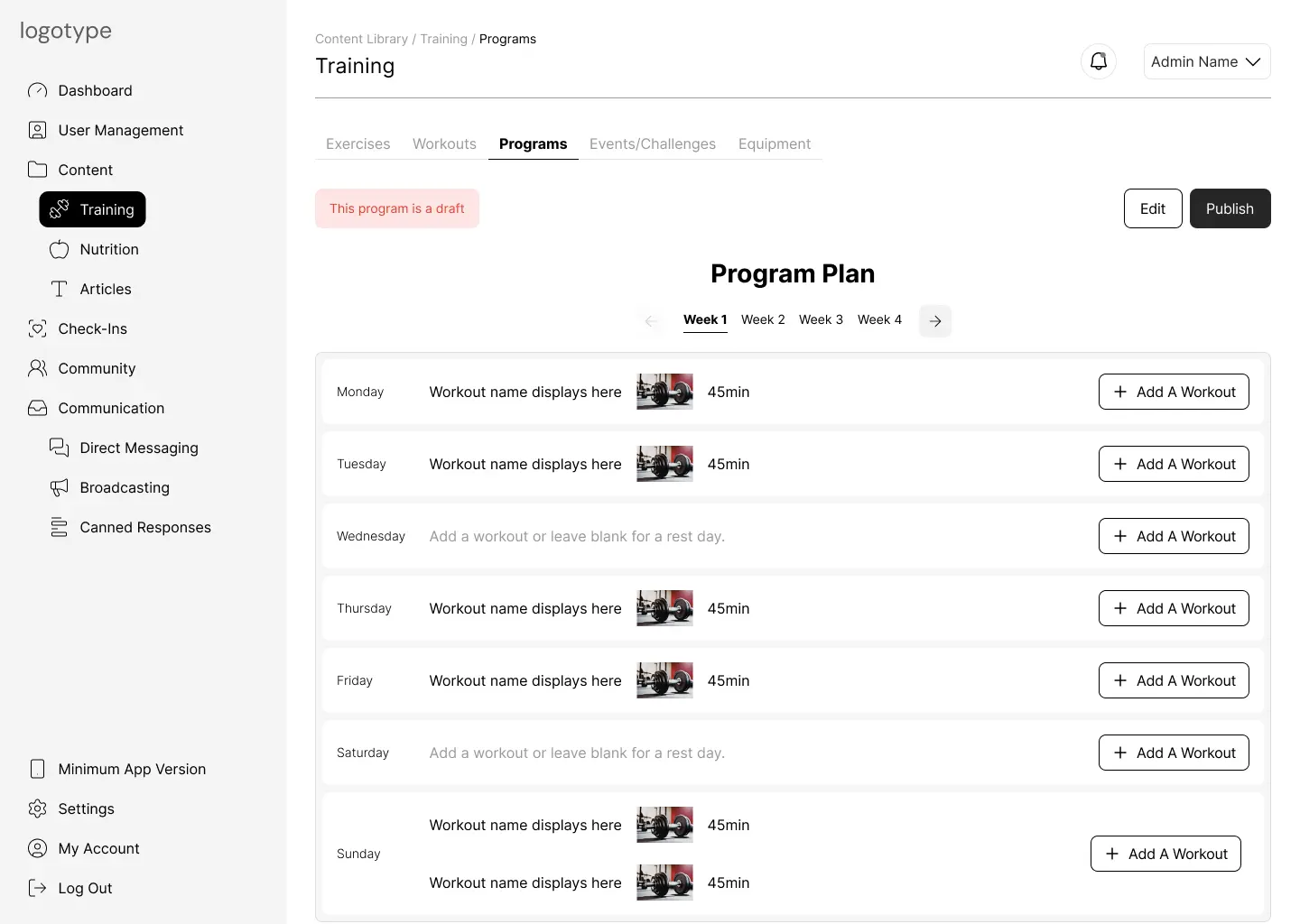
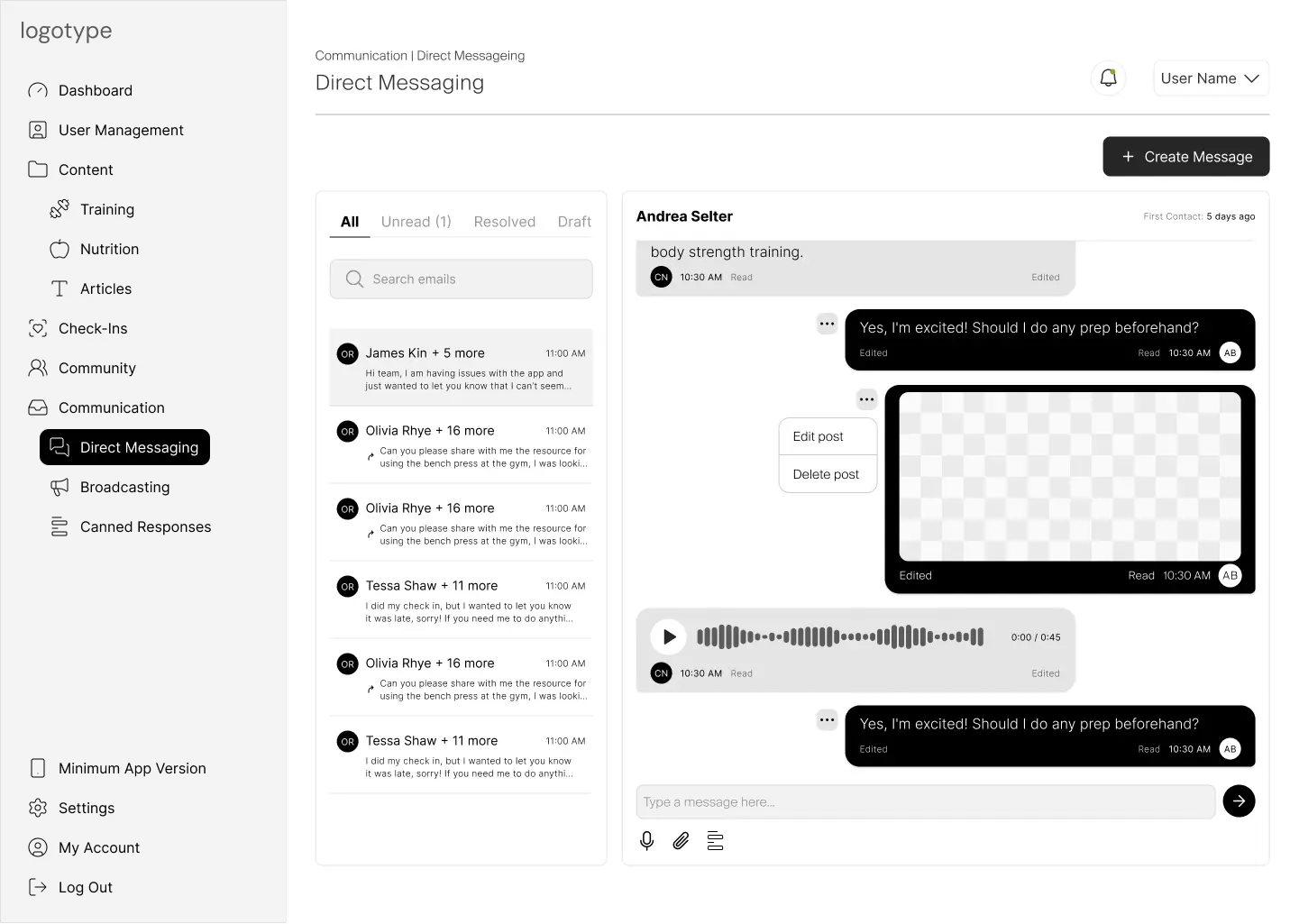
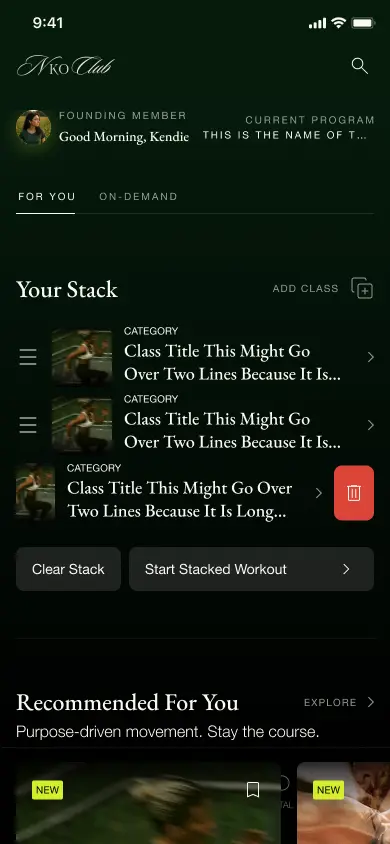
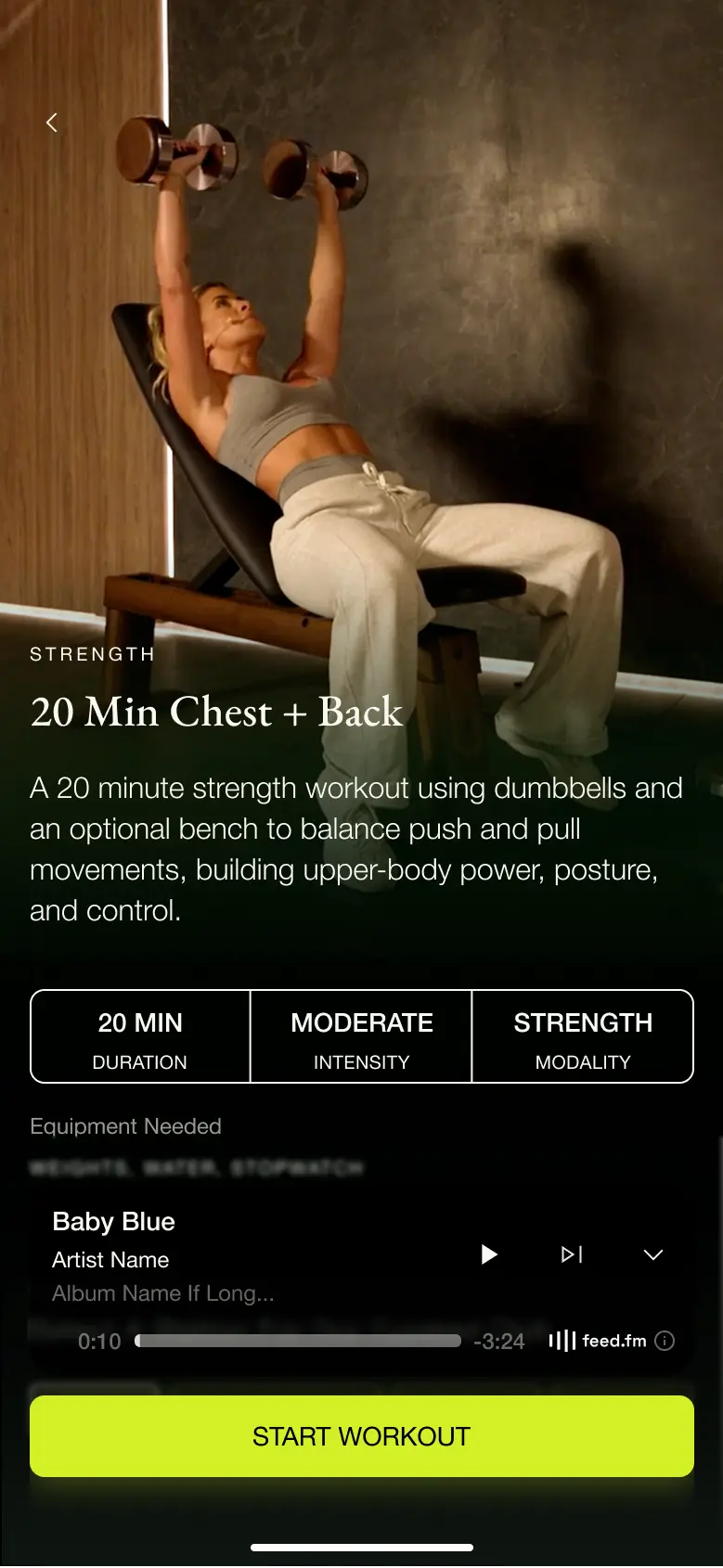
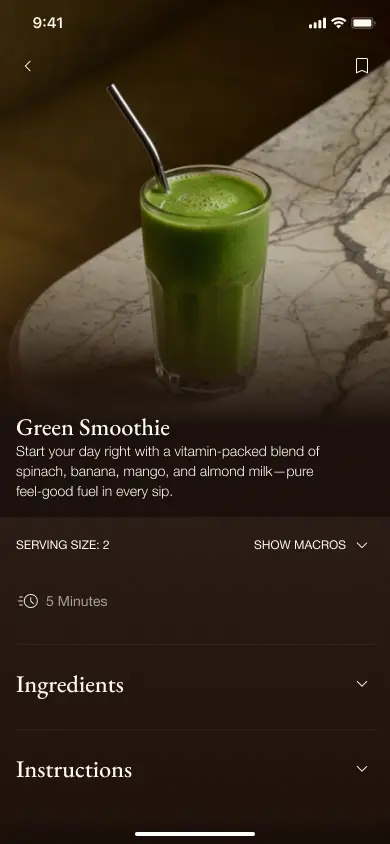
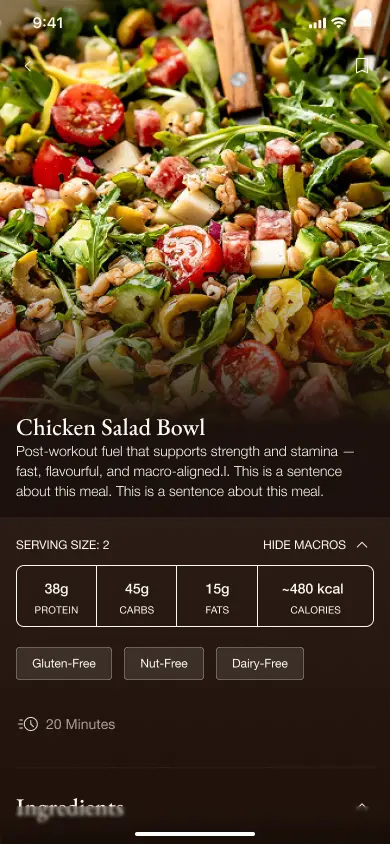
QuickLaunch is an internal platform that helps clients launch mobile products quickly and cost-effectively, reducing engineering effort by ~80%. It gets founders to market with feature-rich products on a tight budget, while cutting repeated work across engagements. QuickLaunch delivers customer-facing mobile apps and business-facing admin platforms — modular, adaptable, and built primarily for the fitness and wellbeing industries.
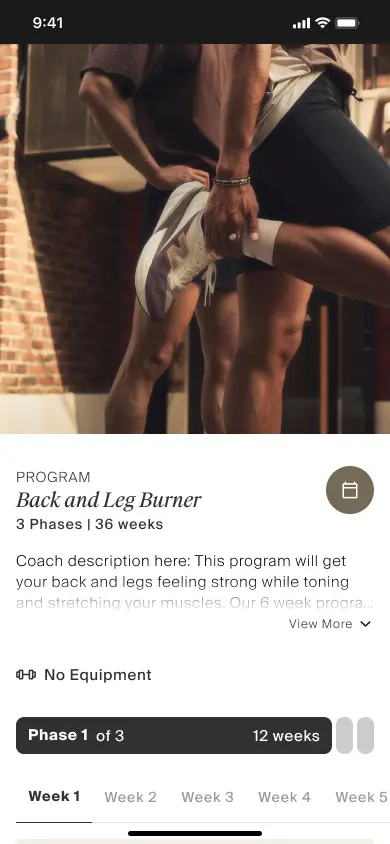
The top-level container that defines an entire training plan. A Program holds one or more Phases and sets the cadence, scheduling rules, and overall progression logic.
By supporting both core-specific and mixed programs, coaches can build highly targeted plans or cross-category hybrids, appealing to diverse training goals without duplicating content at lower tiers.
A Phase groups multiple Workouts into a scheduled block. Phases run sequentially — Phase 1 must be marked complete before a user can enter Phase 2. This gating is optional and configurable per program.
A Phase can be marked complete via one or more of these conditions:
A single training session divided into Sections (e.g., Warm Up, Circuit, AMRAP, Cool Down). This is the layer where all exercise configuration is applied — exercises themselves are raw movements; the Workout defines how they are performed.
All configuration is applied at the Workout level, not the Exercise level. Available configuration pairings:
Supports incremental logic and requirements for progressive overload. Coaches define load progression rules (e.g., increase weight by 2.5kg each week) with built-in tracking of incremental targets across sessions.
Workouts can include max effort targets or effort rate configurations, allowing coaches to prescribe intensity levels (e.g., RPE scale, percentage of 1RM) alongside the standard configuration matrix.
The individual movement or drill stored in the exercise library. Exercises are raw, unconfigured movements — they carry no reps, weight, or time data. All performance configuration is applied when the exercise is placed into a Workout.
Exercises are reusable building blocks. The same exercise (e.g., "Russian Twist") can appear in multiple Workouts with completely different configurations each time. This separation keeps the exercise library clean and maximises flexibility.
By creating left-side and right-side variants as individual exercises (e.g., "Weight 90/90 Lunge — Left Side"), coaches gain deeper flexibility to superset targeted areas in their circuits. This atomic approach maximises reusability and programming precision.
The foundational layer. Equipment items (dumbbells, bands, kettlebells, mats, etc.) are catalogued and linked to exercises at the point of use within a workout section.
Equipment is attached to exercises at the section level. When a coach adds an exercise to a workout section, they also select the required equipment. This pairing flows upward through the hierarchy — so a Program inherits full visibility of all equipment needed across every Phase, Workout, and Exercise.
The core challenge was designing a system where features could operate independently or as part of a larger connected architecture. Clients needed the ability to enable or disable features based on budget, while the system had to scale without increasing development complexity.
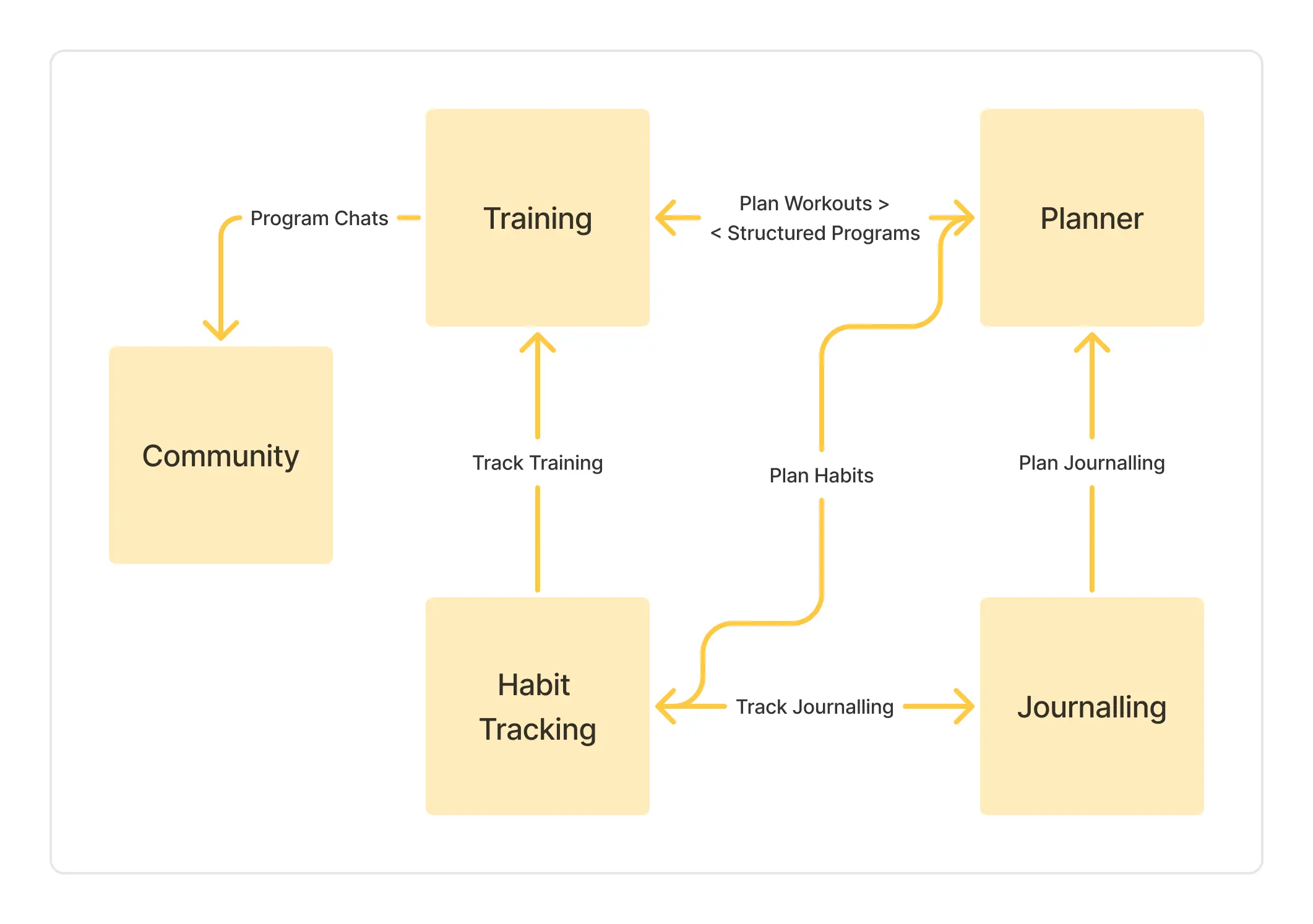
Each module works independently and can be combined
Prioritised MVP validation over exhaustive feature completeness — ship fast, learn, iterate.
Adopted a modular system approach — features can be toggled per client without forking the codebase.
Kept the UI simple and consistent while building a flexible backend that supports diverse configurations.
This project involved trade-offs at both the product and client level.
Internally, we made a deliberate decision to prioritise scalability and delivery speed over feature depth — the right call for getting a platform to market that could serve multiple clients without compounding engineering cost.
For training clients, the trade-off was customisation for revenue. The platform gets them to market and generating income quickly. The reinvestment that follows is what funds deeper feature development and the business-specific tailoring that wasn't possible at launch.